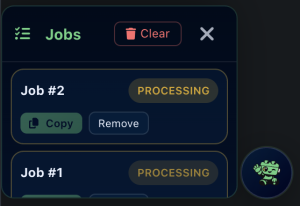
BricksBuddy AI allows you to run multiple generation jobs in parallel. No need to wait for one to finish before starting another.
Running Multiple Jobs
- Enter your prompt and click Generate
- While that job runs, enter a different prompt
- Click Generate again
- Both jobs run simultaneously in the background
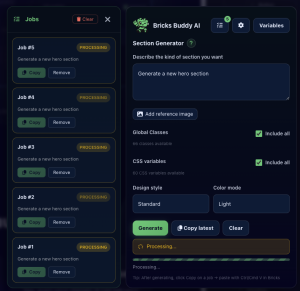
You can queue as many jobs as you need.
Jobs Drawer
Click the Jobs button in the modal toolbar to open the Jobs Drawer. This shows all your active and completed jobs.